
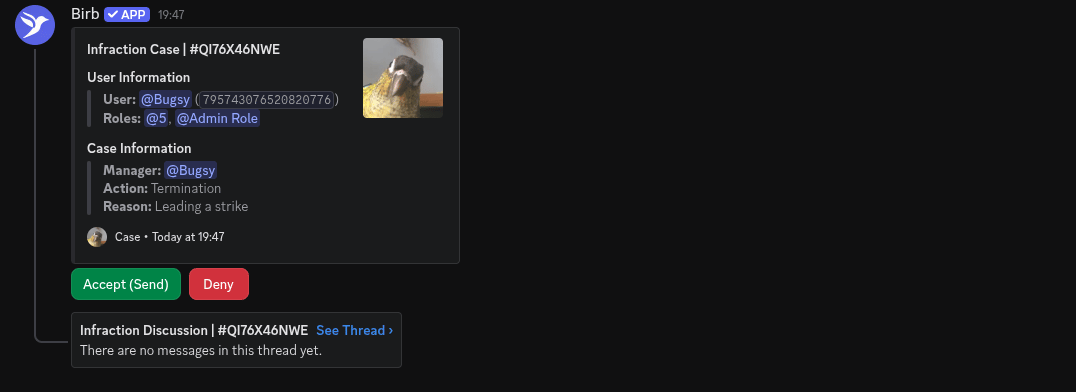
Infraction Approval Discord Message
How to setup
Approval
1
Infraction Settings
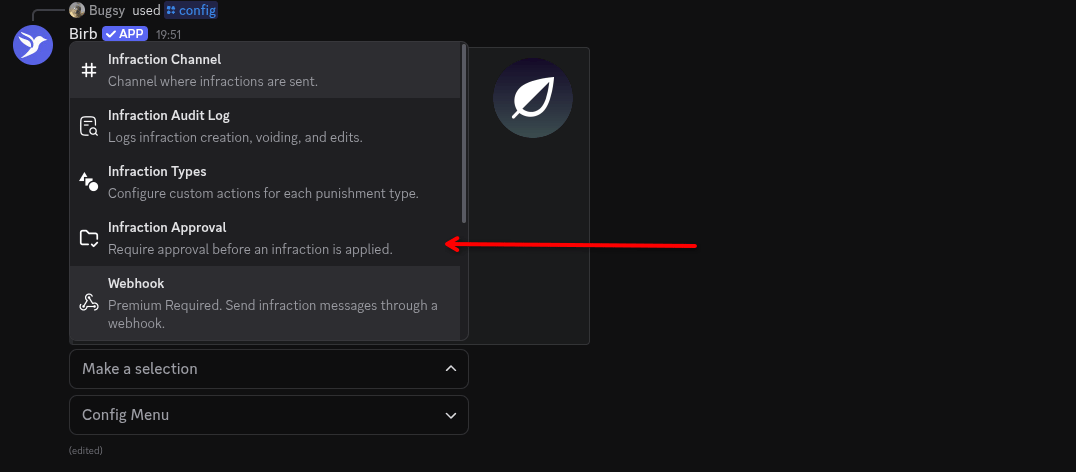
2
Approval Settings

- Channel: This is the channel the approval message with be sent to.
- Approval Ping: People with this role will be pinged, with the message sent to the channel.
Actions & Types
1
Infraction Settings
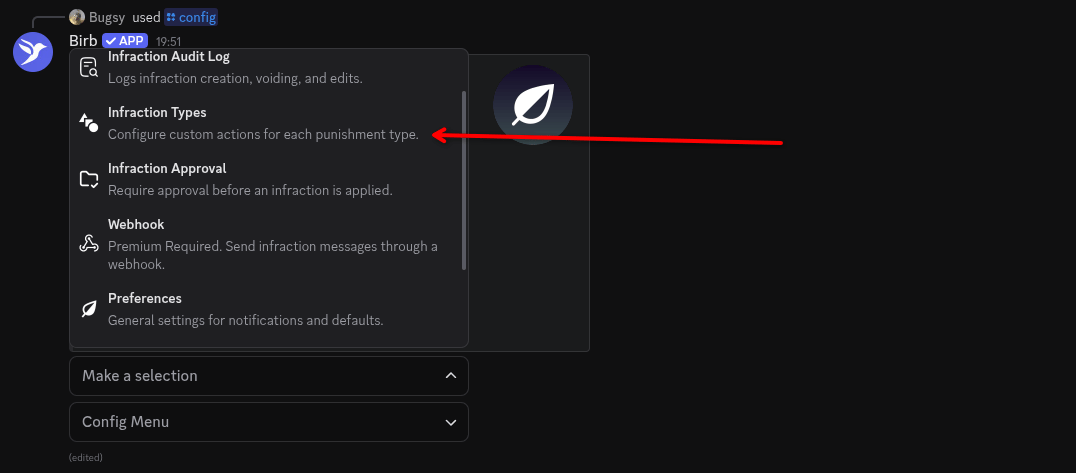
2
Infraction Types Menu

3
Infraction Type Modal
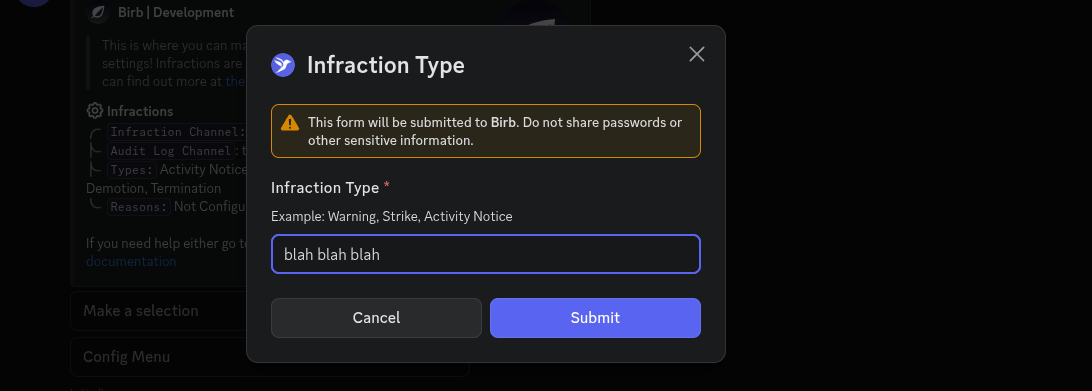
4
Infraction Types Menu
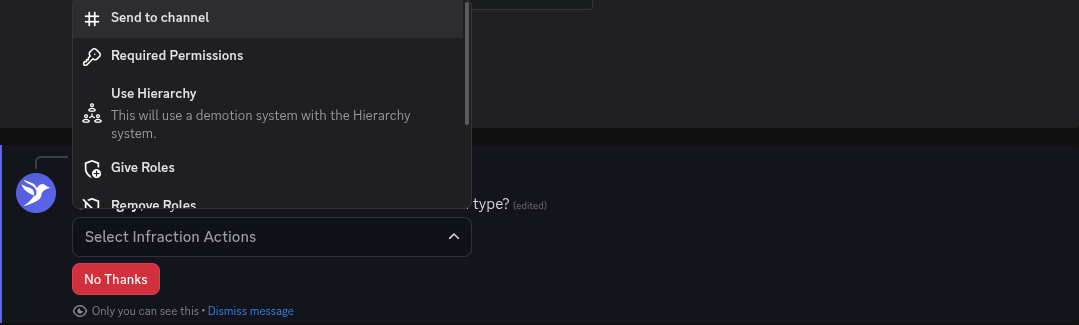
- Send to channel: Deviates from your original set infraction channel.
- Required Permissions: Elevates permissions for the type.
- Use Hierarchy (PREMIUM): Requires the Hierarchy configuration, will allow for demotions with the Hierarchy feature.
- Remove Roles: Using discord roles, it’ll prompt a role dropdown. Any role selected in the configuration will be removed from a staff member.
- Give Roles: Using discord roles, it’ll prompt a role dropdown. Any role selected in the configuration will be given to the staff member.
- Escalate: If the action hits a threshold of X, it’ll escalate to another infraction type.