Infractions allow you to manage your staff members more efficiently, which also integrates well with other established modules such as Quota and Staff Database.
Image

Infractions Page

How to void/delete an infraction

1

Infractions Page
Image
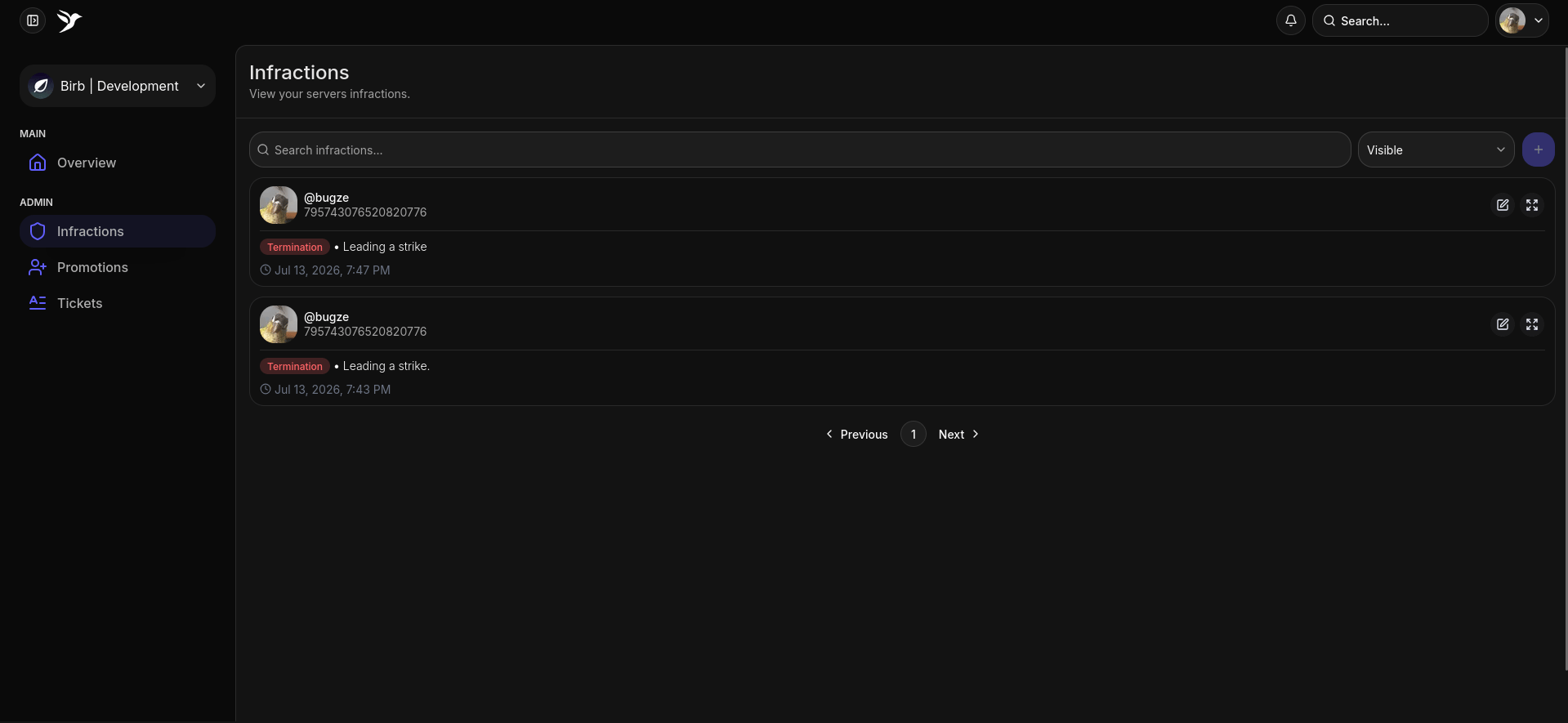
On the infractions page, hover over an infraction you want to void, and click.
2

Voiding it

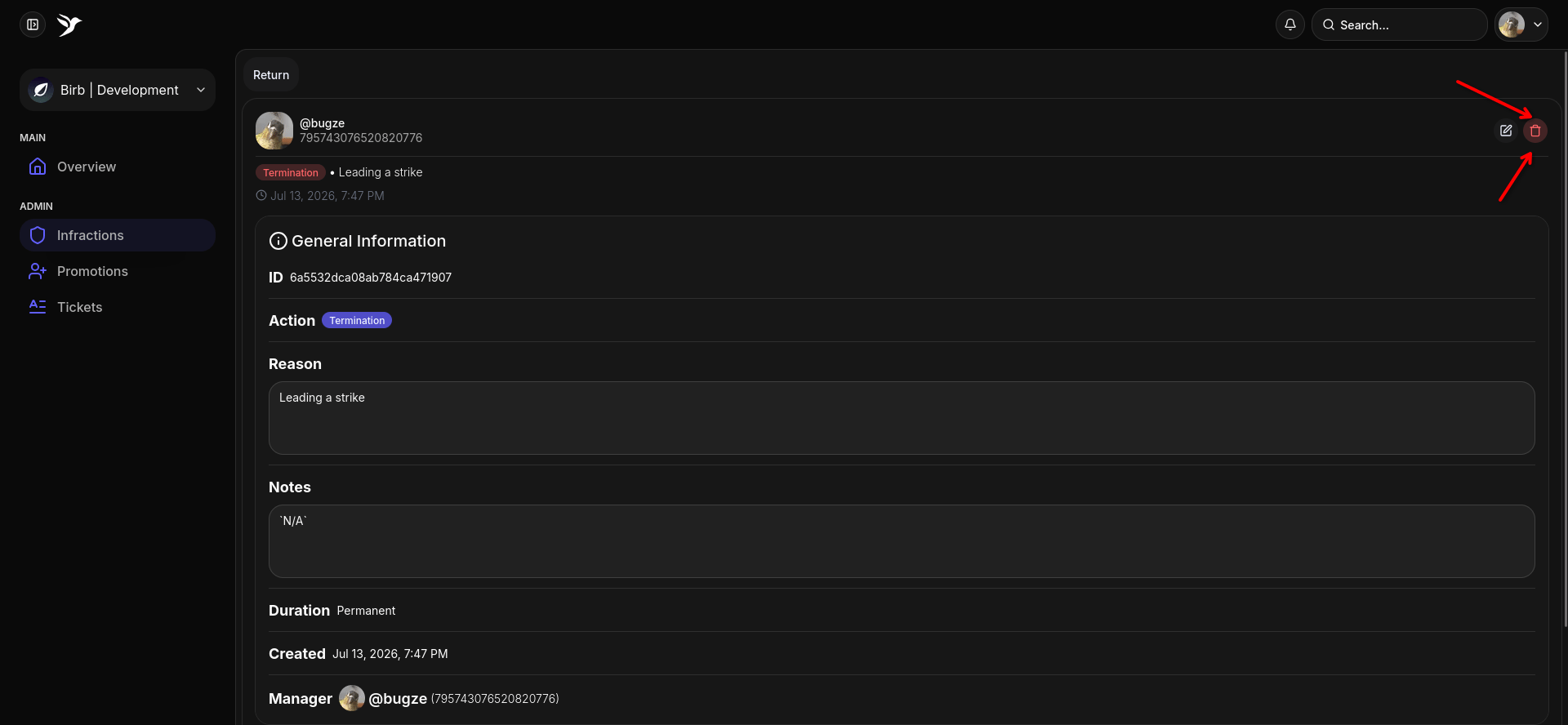
Image
Click the red button, it’ll prompt you whether you want to void, say yes.

How to edit an infraction

1

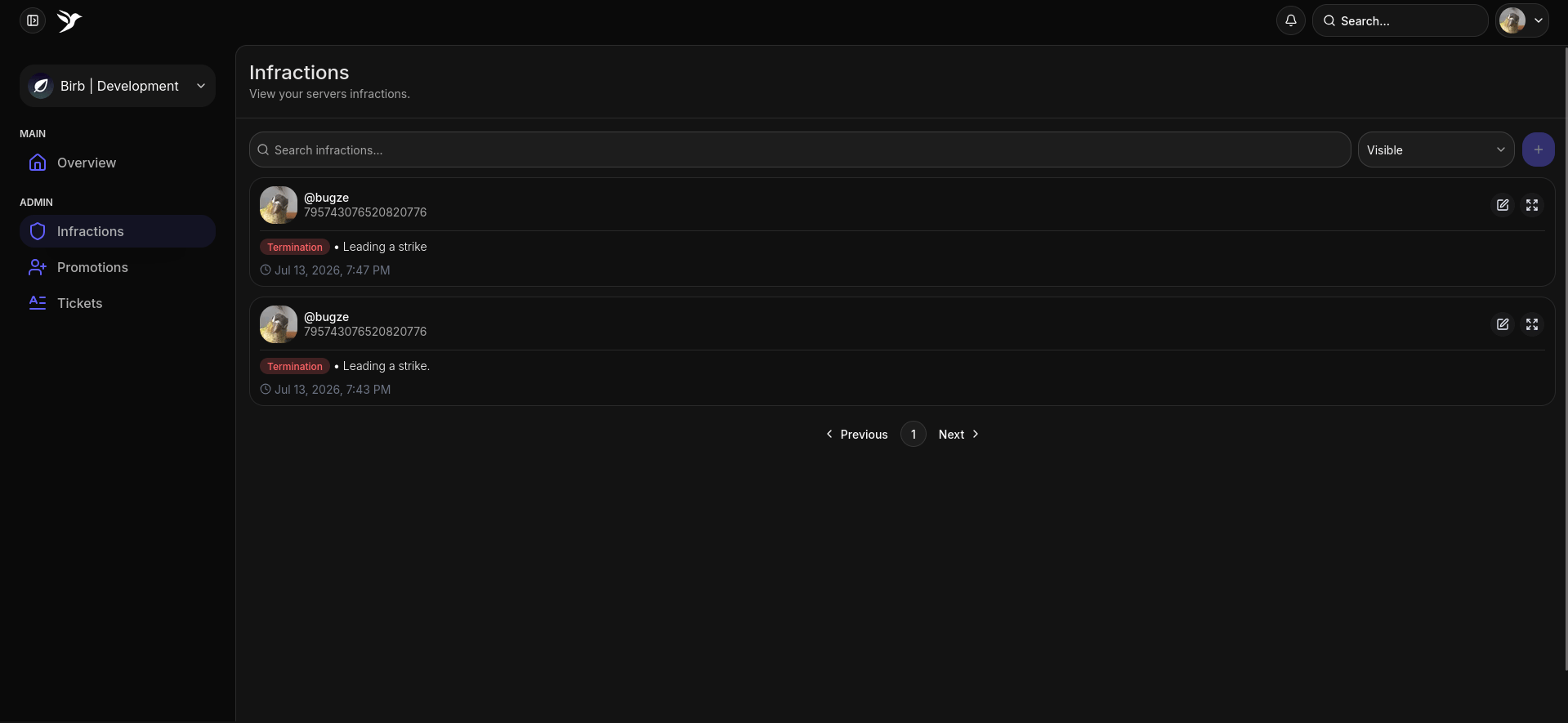
Infractions Page
Image
On the infractions page, hover over an infraction you want to edit, and click.
2

Editing the infraction

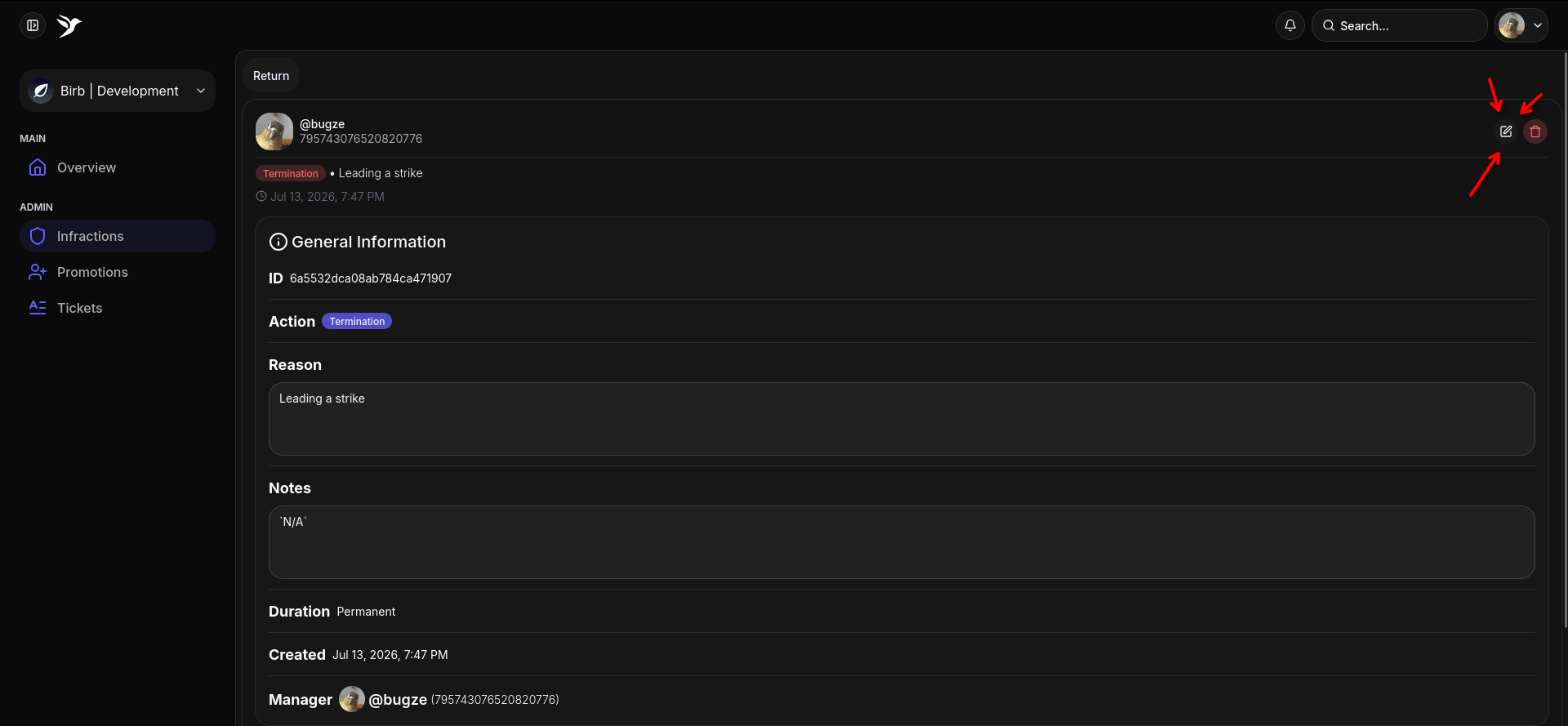
Image
Click the edit button, the button that is being pointed at with 3 arrows.
3

The Prompt

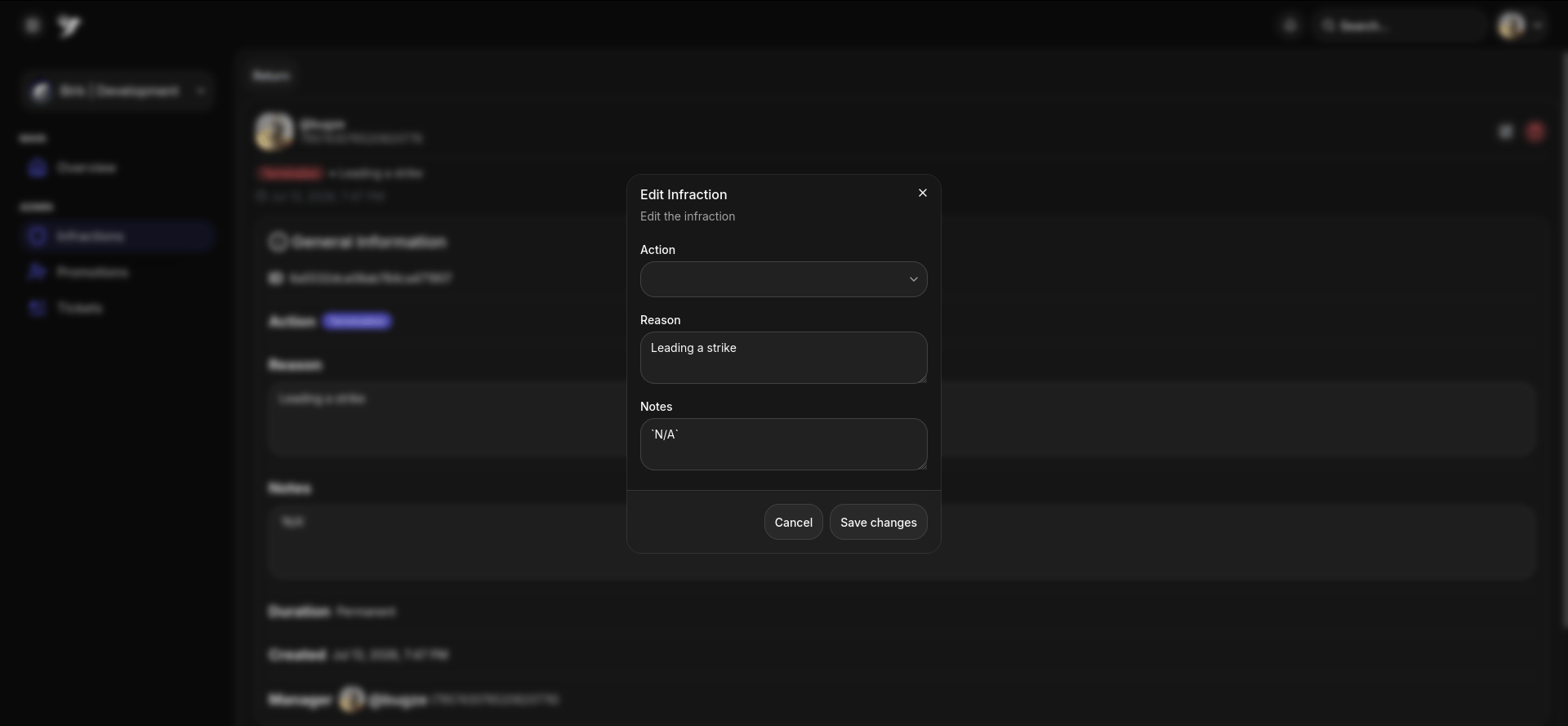
Image
Fill out the details that you want to change, and hit submit!
Last modified on July 15, 2026